Development Workflow
How I Supercharged My Next.js & React 19 Workflow with AI-Powered IDEs
Moving beyond standard auto-complete: leveraging Cursor, Trae, and custom JSON schemas for a 10x faster development cycle.
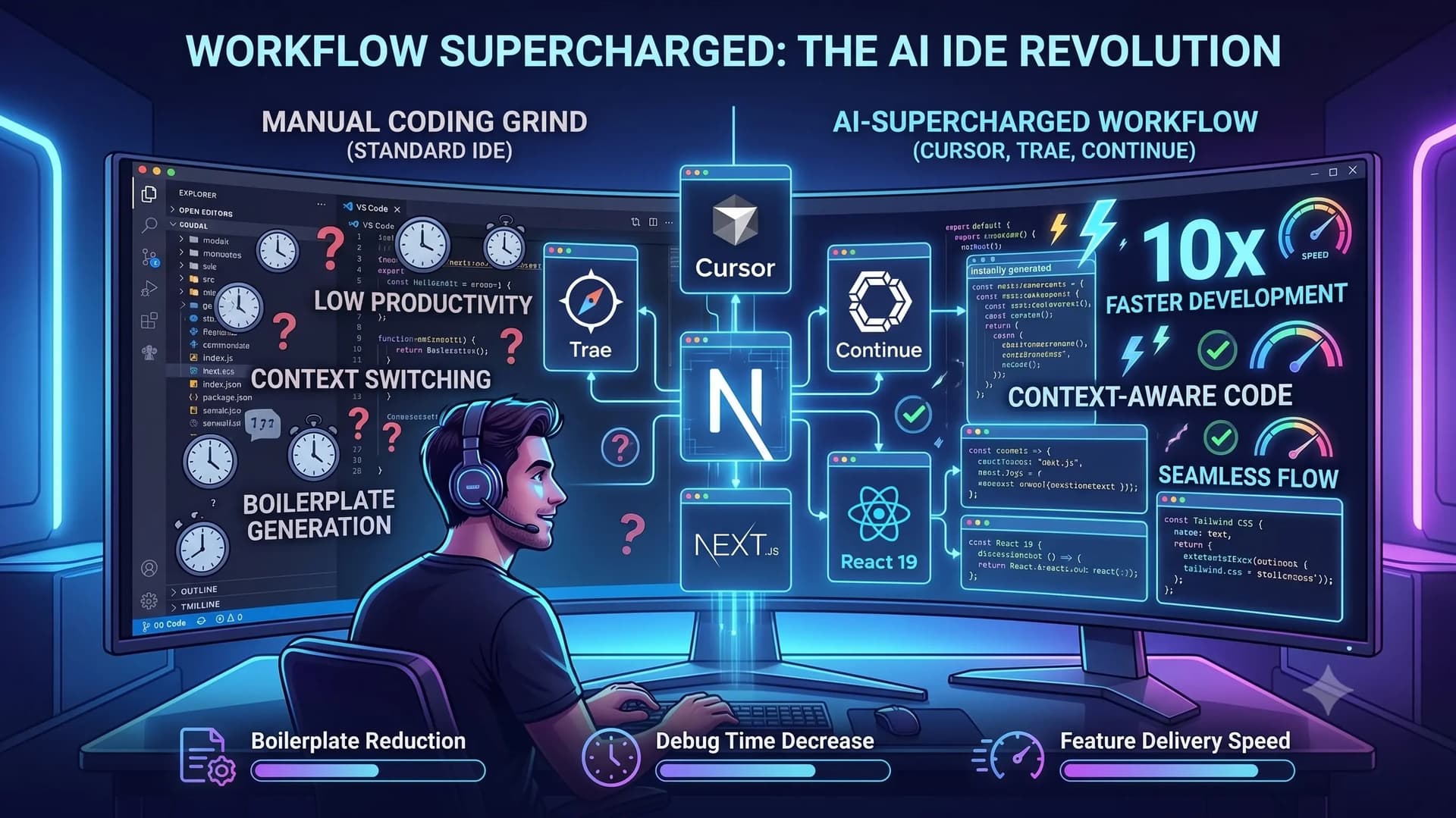
Building highly interactive web applications with Next.js, React 19, and Tailwind CSS involves managing a lot of moving parts. Standard IDEs with basic IntelliSense are great, but in a fast-paced environment, they often become a bottleneck.
Recently, I completely overhauled my development environment, shifting heavily towards AI-first editors like Cursor and Trae, alongside the Continue extension. Here is how configuring these tools transformed my daily coding workflow.
1. Context-Aware Code Generation
Traditional auto-complete guesses the next word; AI editors understand the entire repository. When building complex UI components, Cursor and Trae can read my existing design tokens and Tailwind configuration. If I need a new responsive navigation bar, the AI doesn't just give me generic code—it generates production-ready code that matches my project's exact aesthetic and architectural patterns.
2. Leveraging Local AI Models
Relying entirely on cloud-based AI can sometimes introduce latency or privacy concerns for proprietary client work. Using the Continue extension, I set up a workflow to test and run smaller, local AI models. Whether I am working on my MacBook Air M4 or my Intel Mac Mini, I can utilize local processing power for immediate code suggestions and refactoring without waiting for an API response.
3. Strict Project Rules with Custom Schemas
To prevent the AI from generating deprecated React patterns or ignoring my specific formatting rules, I heavily utilize custom JSON schemas and workspace settings. This ensures the AI always aligns with modern standards and my personal coding style.
Here is an example of my workspace configuration:
JSON
{
"editor.formatOnSave": true,
"continue.telemetryEnabled": false,
"continue.enableTabAutocomplete": true,
"cursor.cpp.enablePartialStubs": true,
"tailwindCSS.experimental.classRegex": [
["cva\\(([^)]*)\\)", "[\"'`]([^\"'`]*).*?[\"'`]"]
]
}
The Result
By fully integrating AI into my IDE rather than using it as an external chat window, my context-switching has dropped to zero. Boilerplate generation takes seconds instead of minutes, and complex debugging is handled interactively within the codebase. It allows me to focus purely on business logic and user experience rather than repetitive syntax typing.